
Online Tool for SMEs
Learn more and sign up now
How can your small business benefit from the payroll package, and what do you need to do?
Register your business quickly and easily.
Enter employee data, including wages.
Transfer the total payroll amount to payroll+.
Done! No further steps are needed.
Do not under any circumstances cancel your current insurance policies:
- Please make sure you do not cancel your current insurance policies (KTG, UVG, BVG), even though you will have future insurance coverage through payroll+.
- You are required to report to your insurance providers the total amount of wages you have paid directly to your employees so far this year. Only include wages paid directly by you.
- Next year, if you no longer pay wages directly, simply enter CHF 0.- as the future payroll total.
Important information for your OASI registration:
- You do not need to report the wages paid by us.
- We handle the reporting since we are the ones paying the wages.
Thanks to our payroll package, you can focus on your core business while we handle payroll processing.
Online Tool for SMEs
Explanatory video about the online tool for small and medium-sized businesses
You are currently viewing a placeholder content from Vimeo. To access the actual content, click the button below. Please note that doing so will share data with third-party providers.
More InformationOnboarding as an SME
How does our tool work?
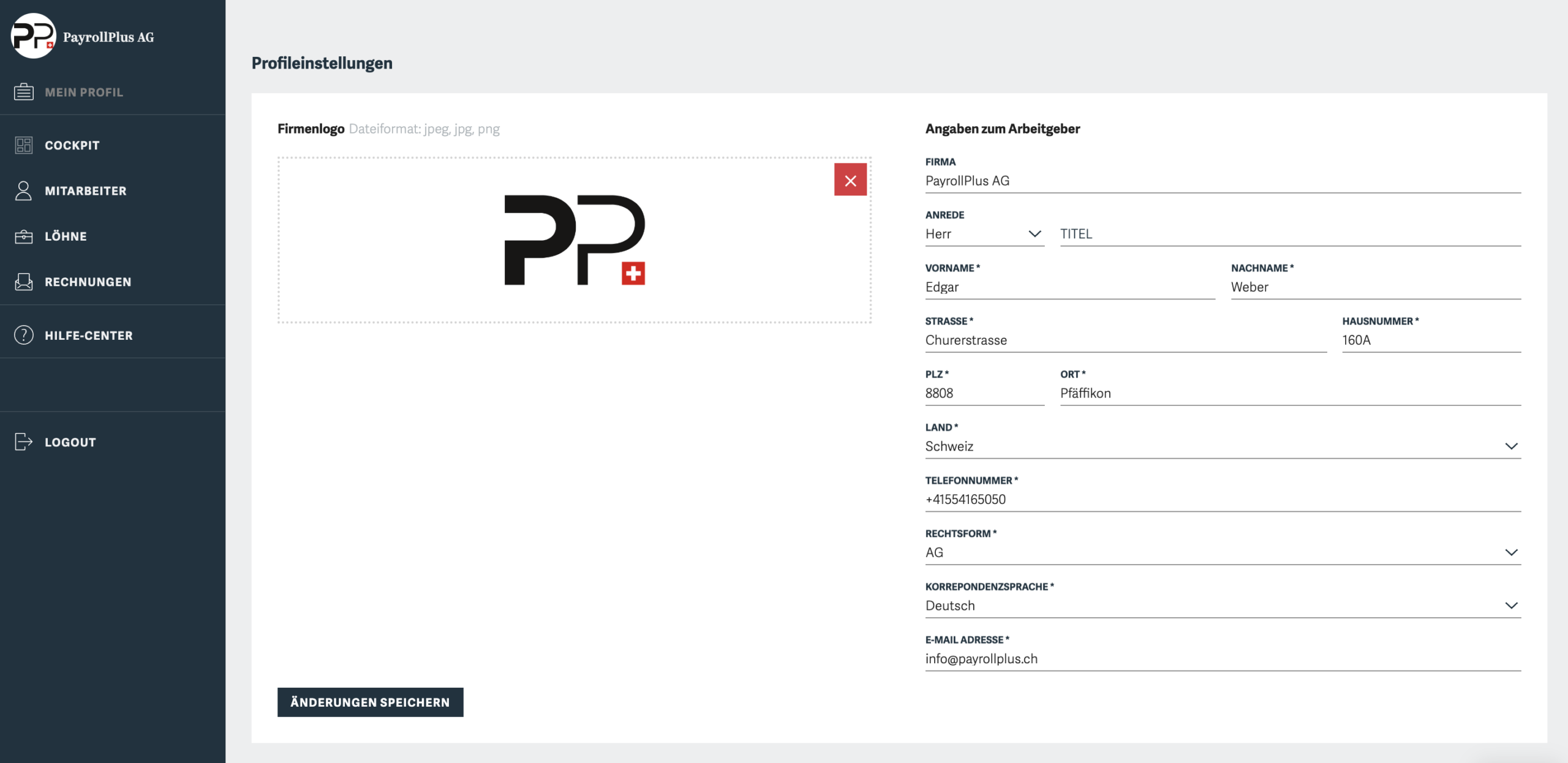
Create a profile and get started
Enter all of your company’s information, including the logo if desired.
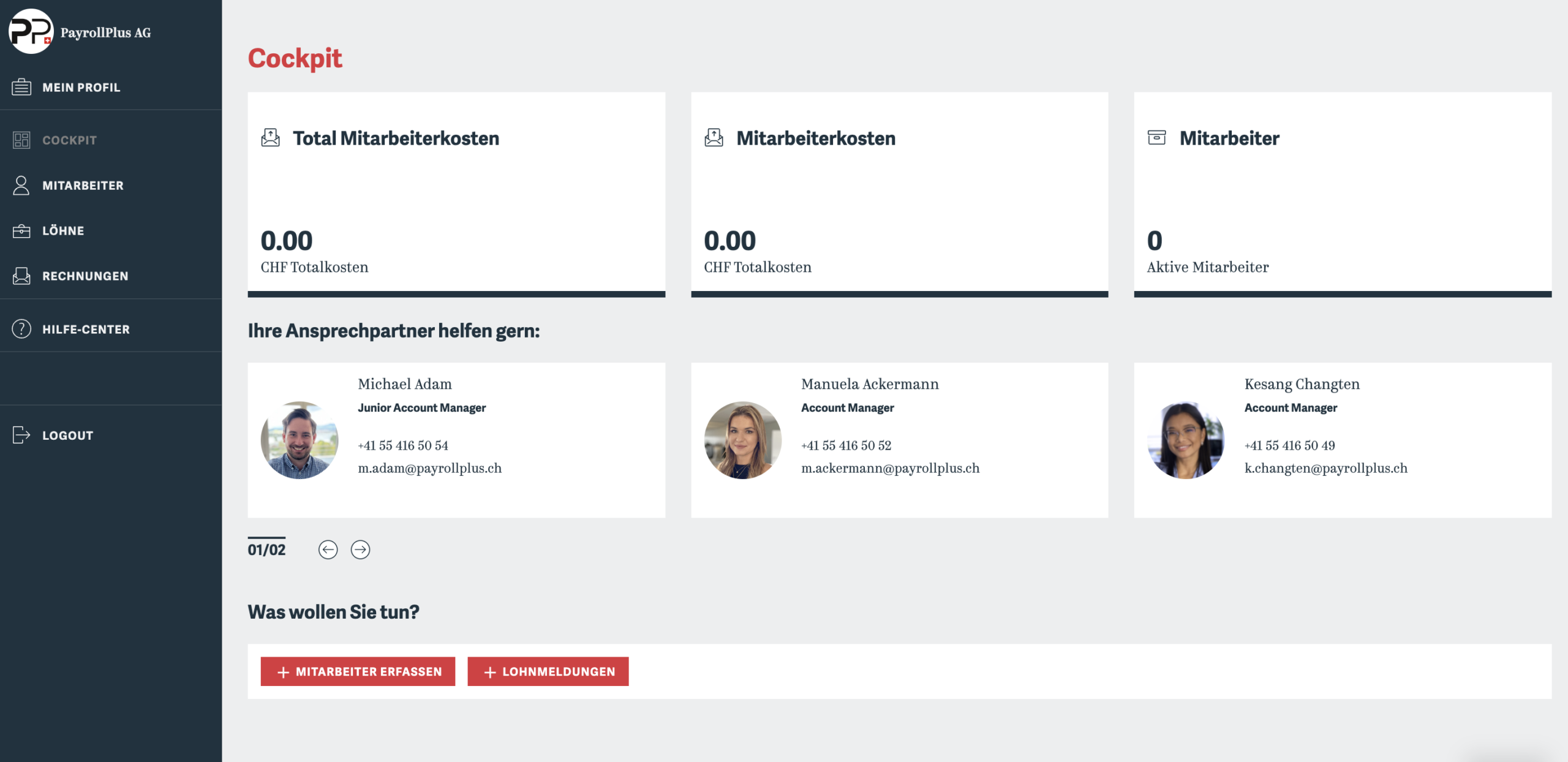
Overall Overview in the Cockpit
In the dashboard, you can see all relevant information at a glance and have the option to contact support.
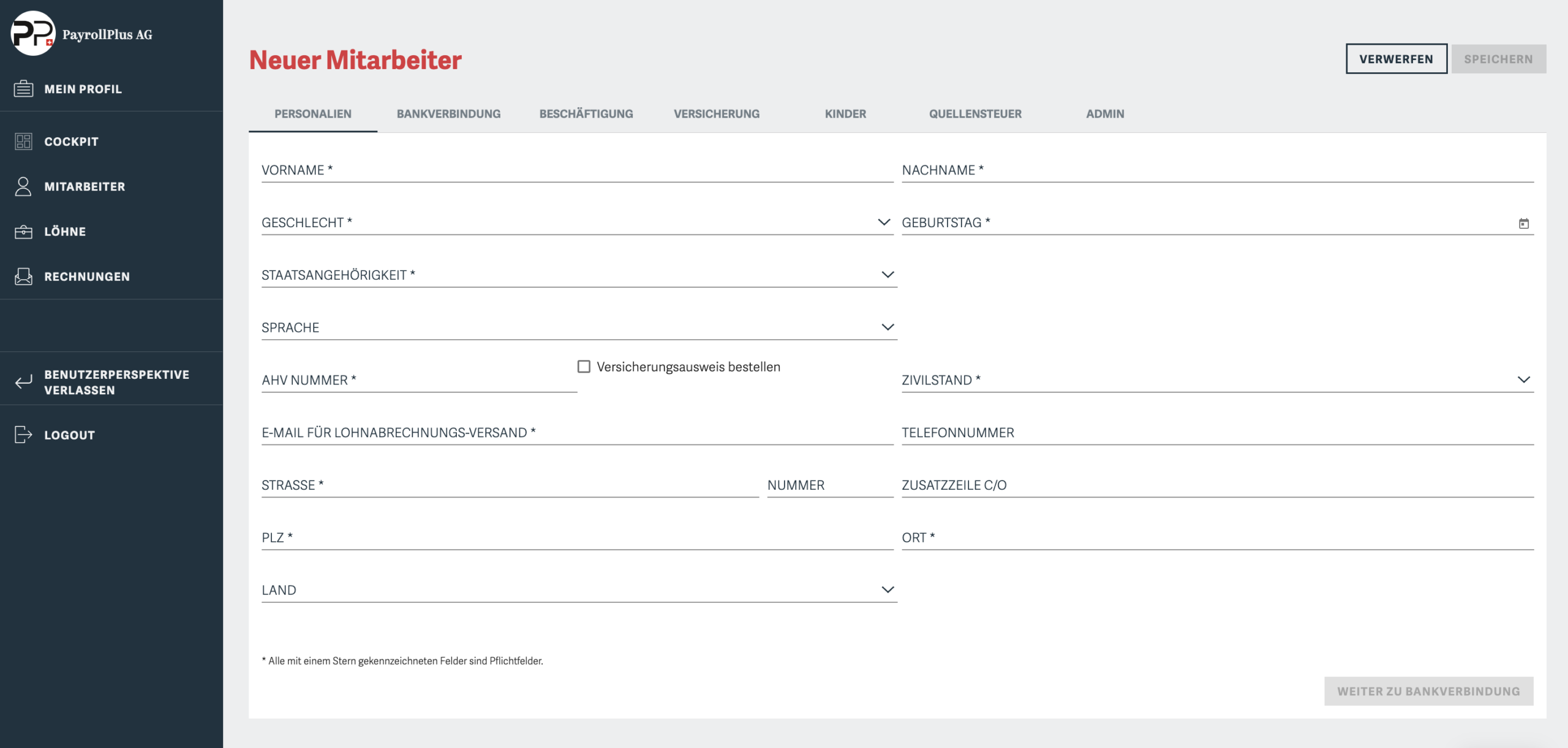
Register Your Employees
Enter your employees’ personal information, bank account details, employment type, and insurance information.
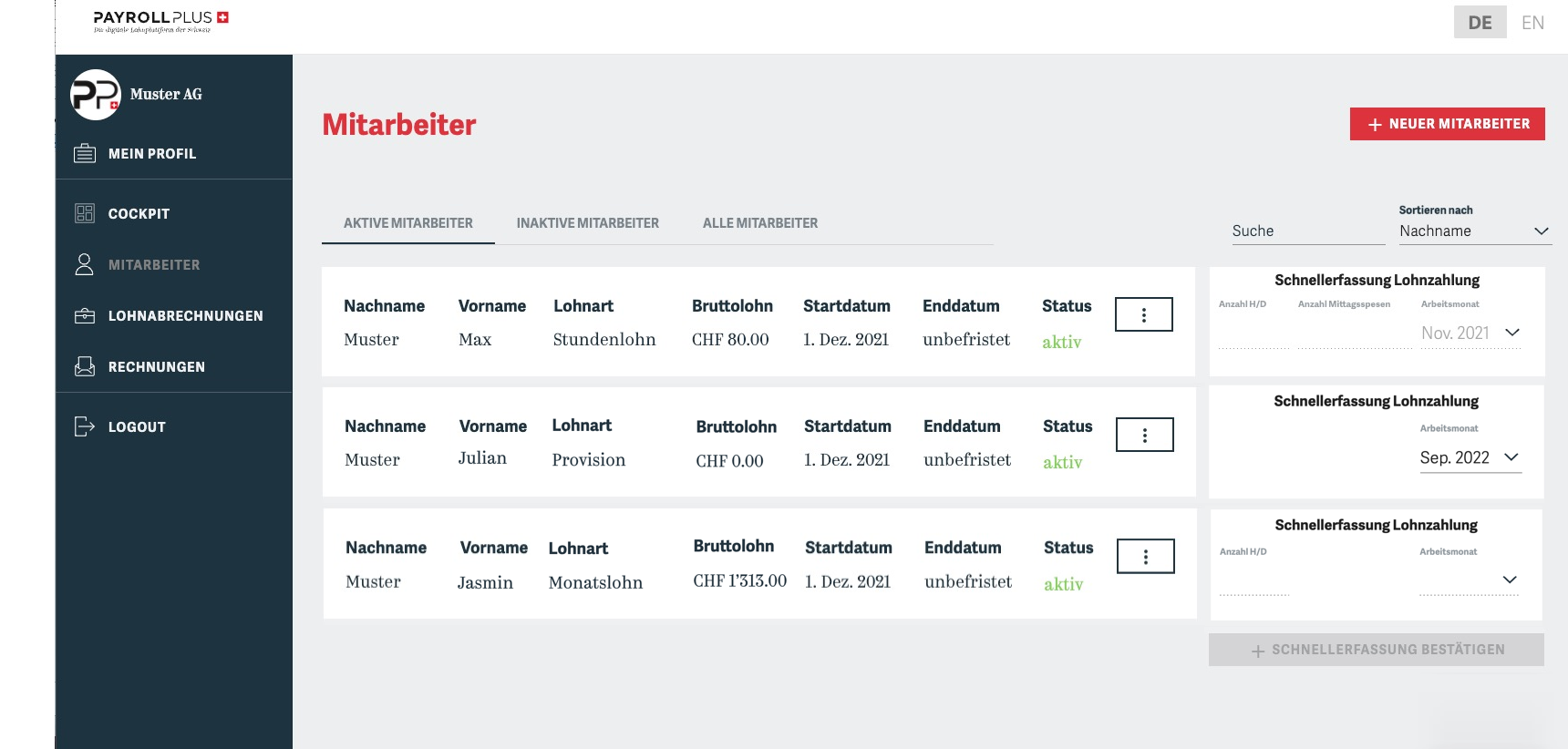
Manage Your Employees
Keep track of your active employees and easily pay their wages using the quick function.
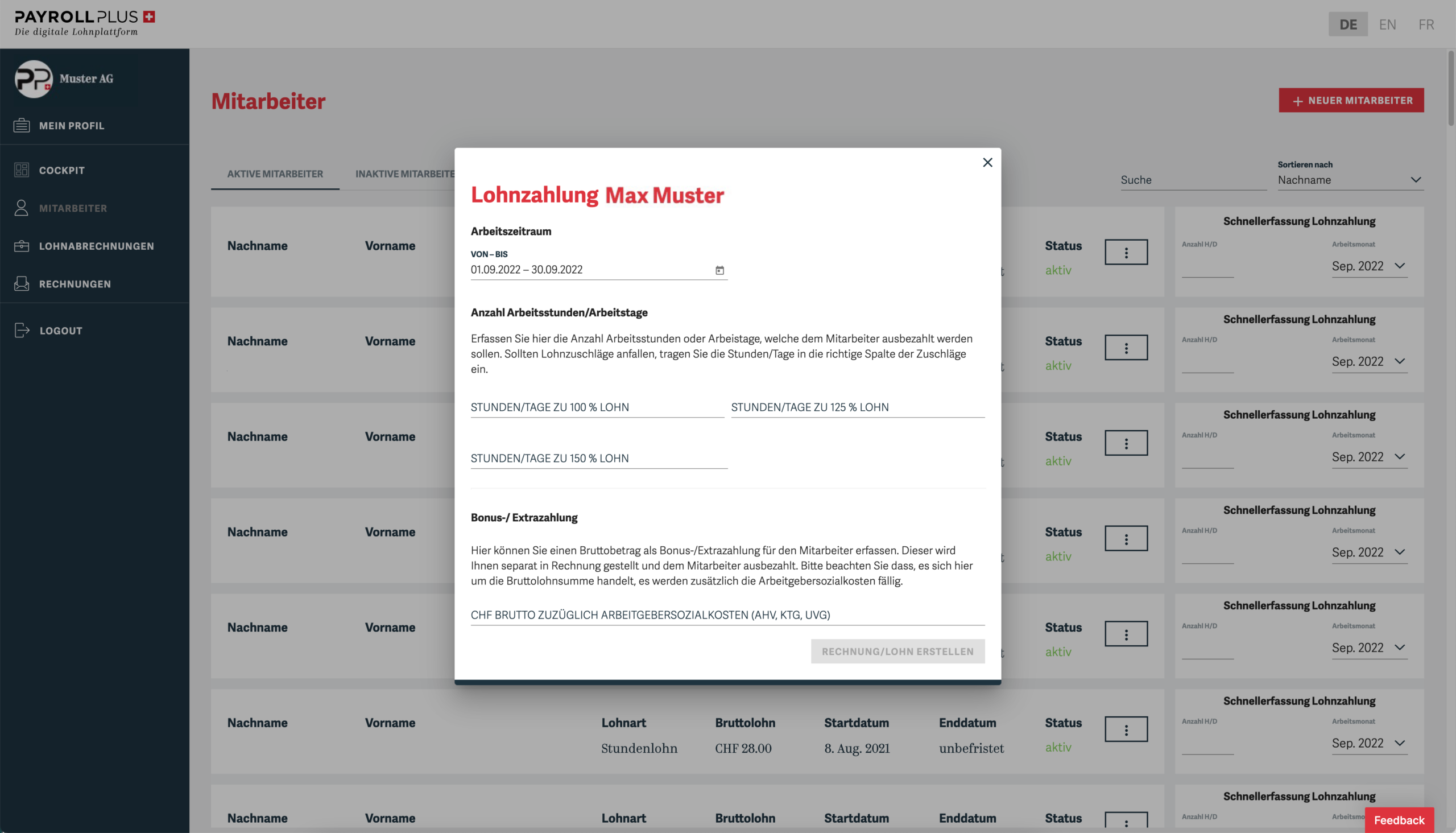
Record Payroll Payments
Hourly and daily wages, as well as bonus payments, can be easily processed here. Monthly wages are processed automatically.
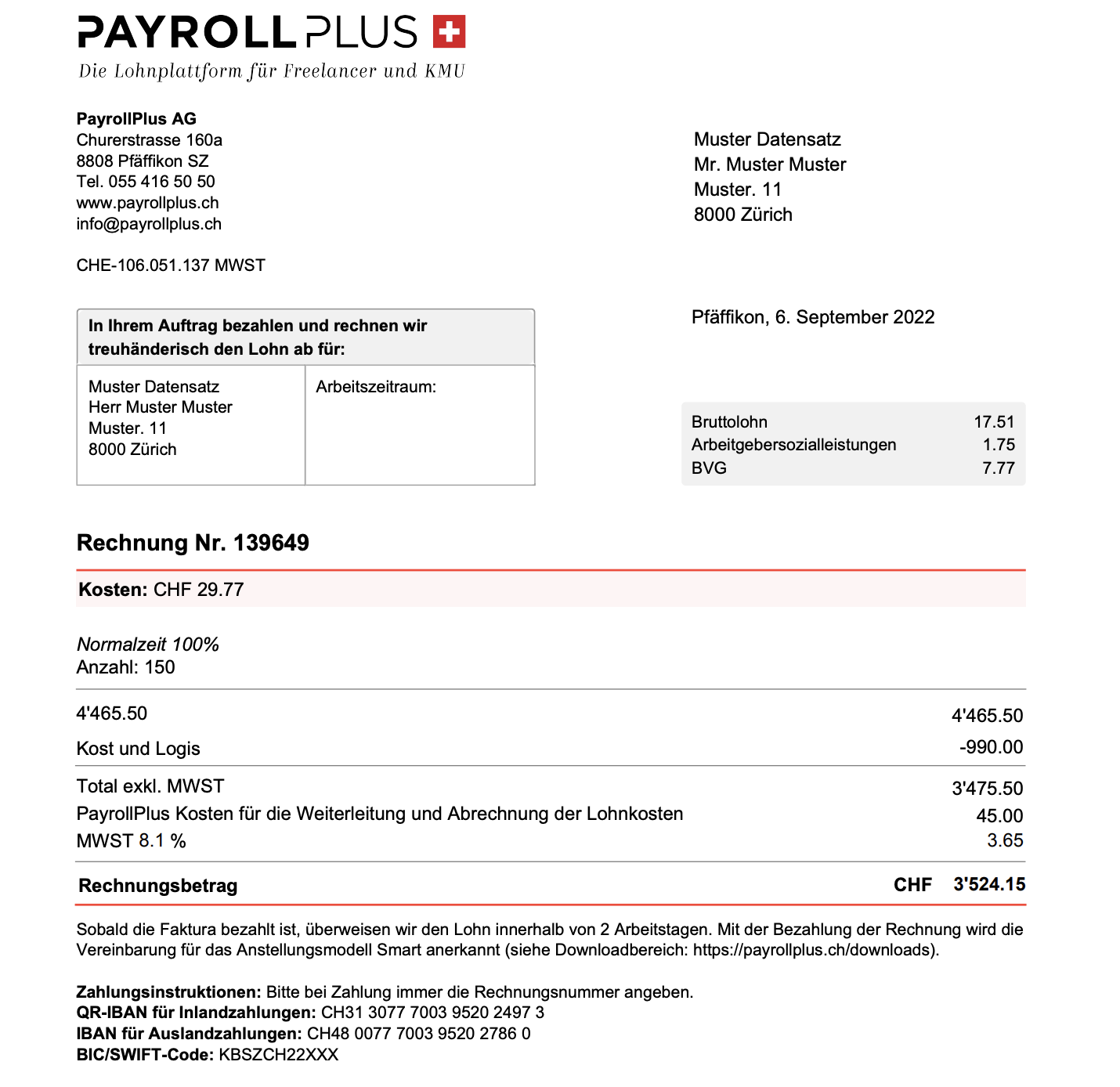
Receive your invoice
You will receive your invoice by email and through our online tool. It provides a clear breakdown from the gross salary to the total invoice amount, including all applicable social security contributions. Once the invoice is paid, payroll+ processes, insures, and pays your employees’ wages.
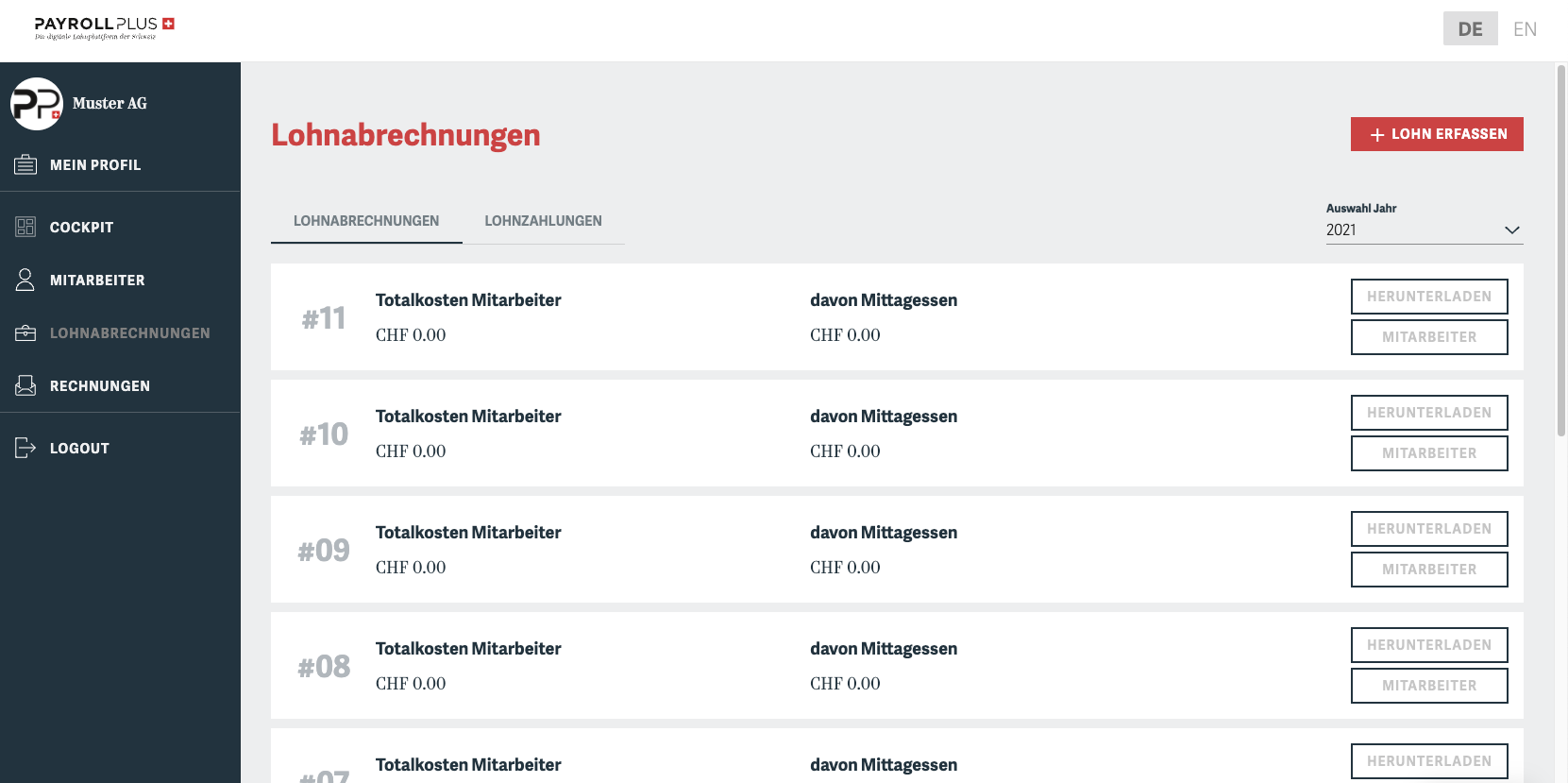
Payroll Administration
After each payroll run, employees automatically receive their payslips by email or can access them anytime through the employee portal. As a customer, you can easily keep track of all wages paid and download the relevant payroll records whenever needed.
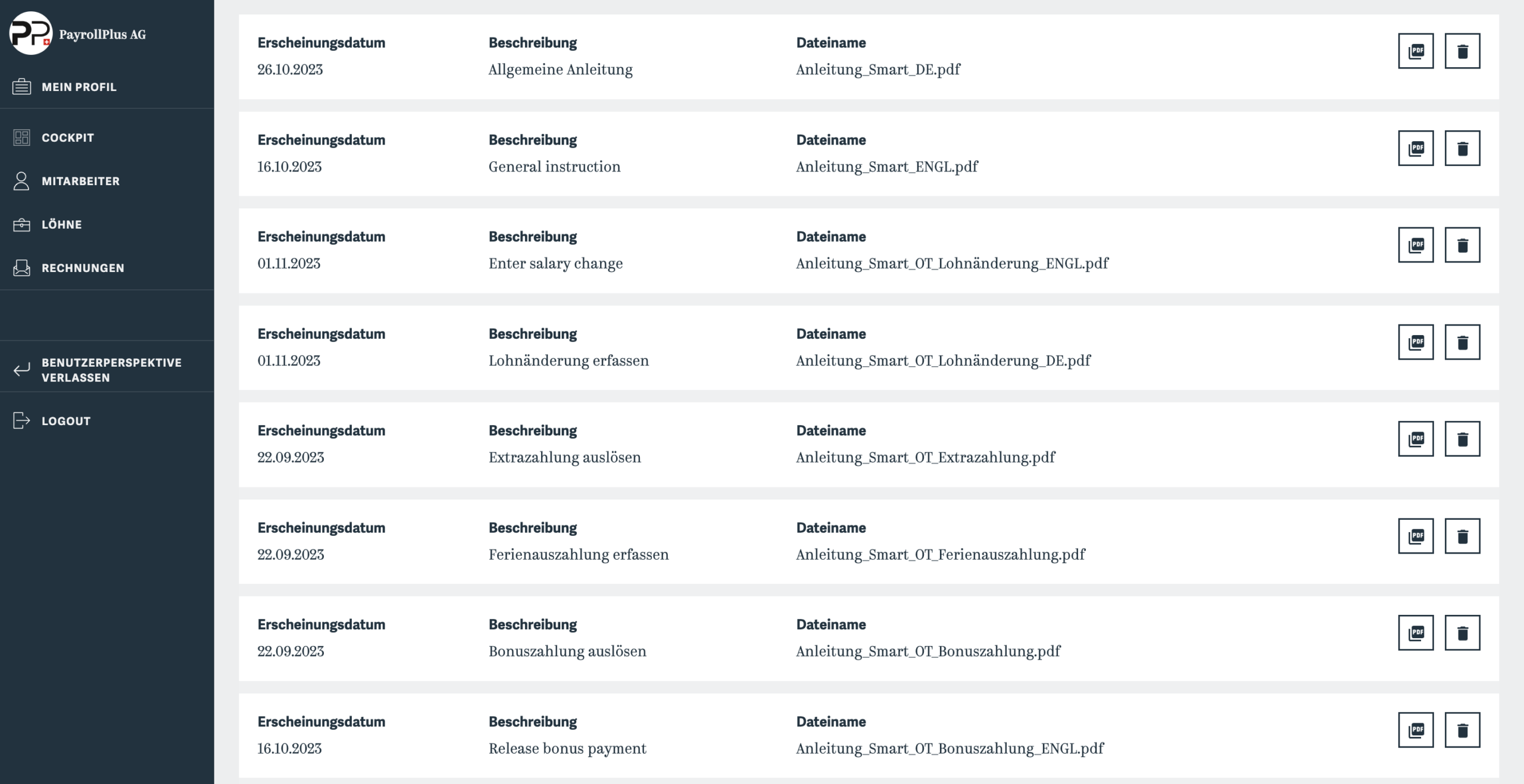
You can get support in the Help Center
If you have any questions, you’ll find detailed instructions on all the features of the online tool here.
Sign up in just a few clicks
Register using the online tool.
Create an account
Create an account. Just click one of the “Register Now” buttons.
Complete your profile with all the necessary information and submit it for review
The inspection is conducted in person by our staff and usually takes 1-2 days.
All done! You're ready to get started.
Your profile will be approved by payroll+.