
Online Tool for Trustees
Learn more and sign up now
What is important for trustees to know?
If your customers process payroll through the payroll+ platform, payroll+—not your customers—is considered the employer for social security purposes, including OASI and insurance matters (see WBB, p. 22).
Our invoices include all payroll costs and must be recorded solely as vendor invoices (personnel expenses, including social benefits). They are treated the same as invoices from traditional staffing agencies and must not be incorporated into your clients’ payroll accounting.
If all staff are managed through payroll+, payroll accounting is completely eliminated—and you, as a fiduciary firm, can focus entirely on your core competencies, such as bookkeeping, tax consulting, property management, or business incorporations.
We recommend that your clients enter their employee data directly. This means you, as the payroll administrator, do not need to handle any payroll-related tasks, allowing you to focus on the activities that matter most to you.
If you would still like to continue entering your clients' payroll data, our online tool for trustees is available to you and offers the following benefits:
- Manage all your customers in one place.
- Create individual employees for each customer.
- Choose flexible billing options: by the hour, day, month, or flat rate.
- We pay your clients' wages and assume the employer's responsibilities under social security law.
- Your customers benefit from our attractive group insurance plans.
- You no longer need to have your own insurance policies (UVG, KTG, BVG).
- We calculate and pay OASI contributions and any withholding taxes.
- Child allowances—if eligible—are paid directly to employees.
Onboarding as a Trustee
How does our tool work?
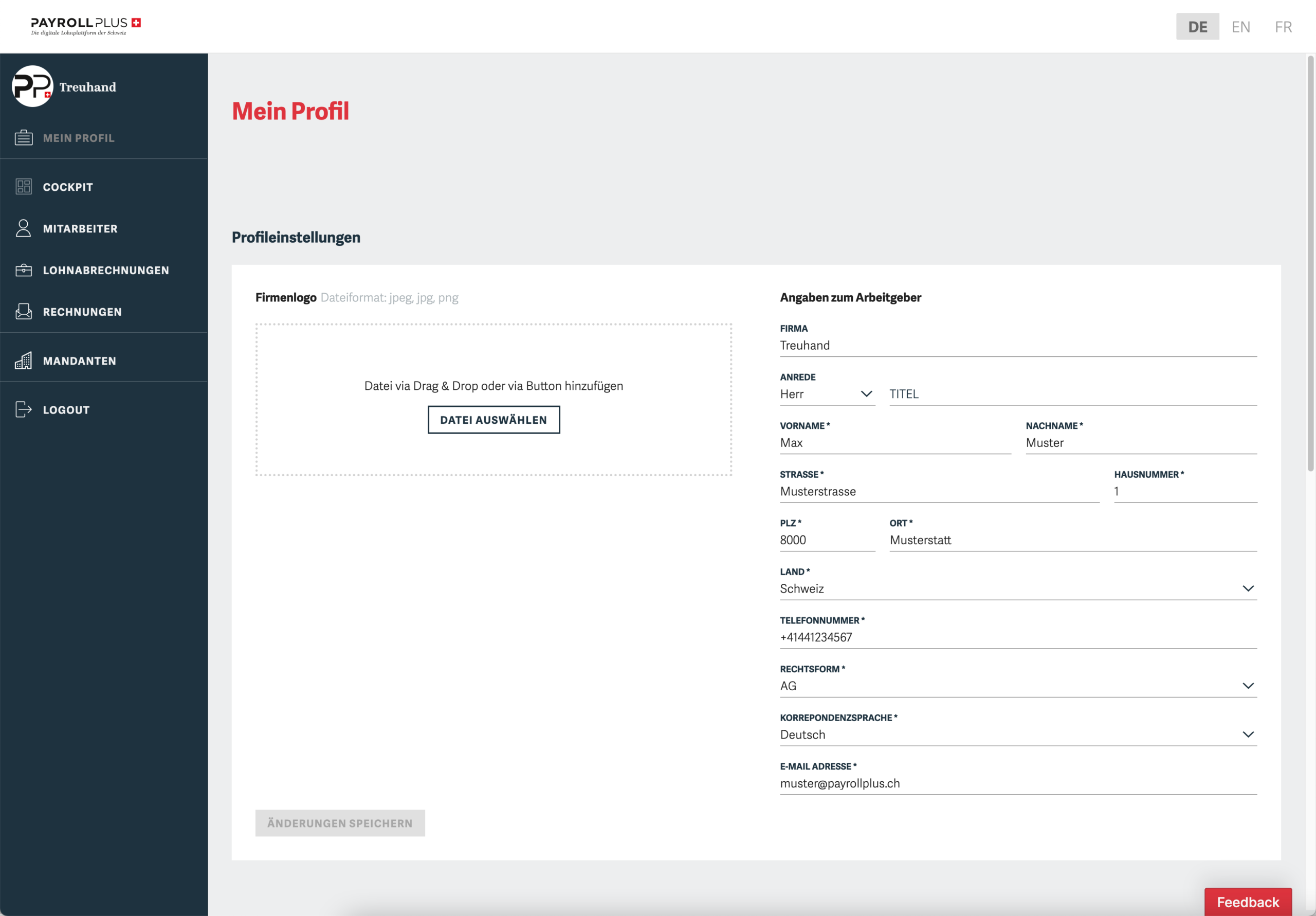
Create your own profile and get started
Enter the details of your trust office, including your logo if desired.
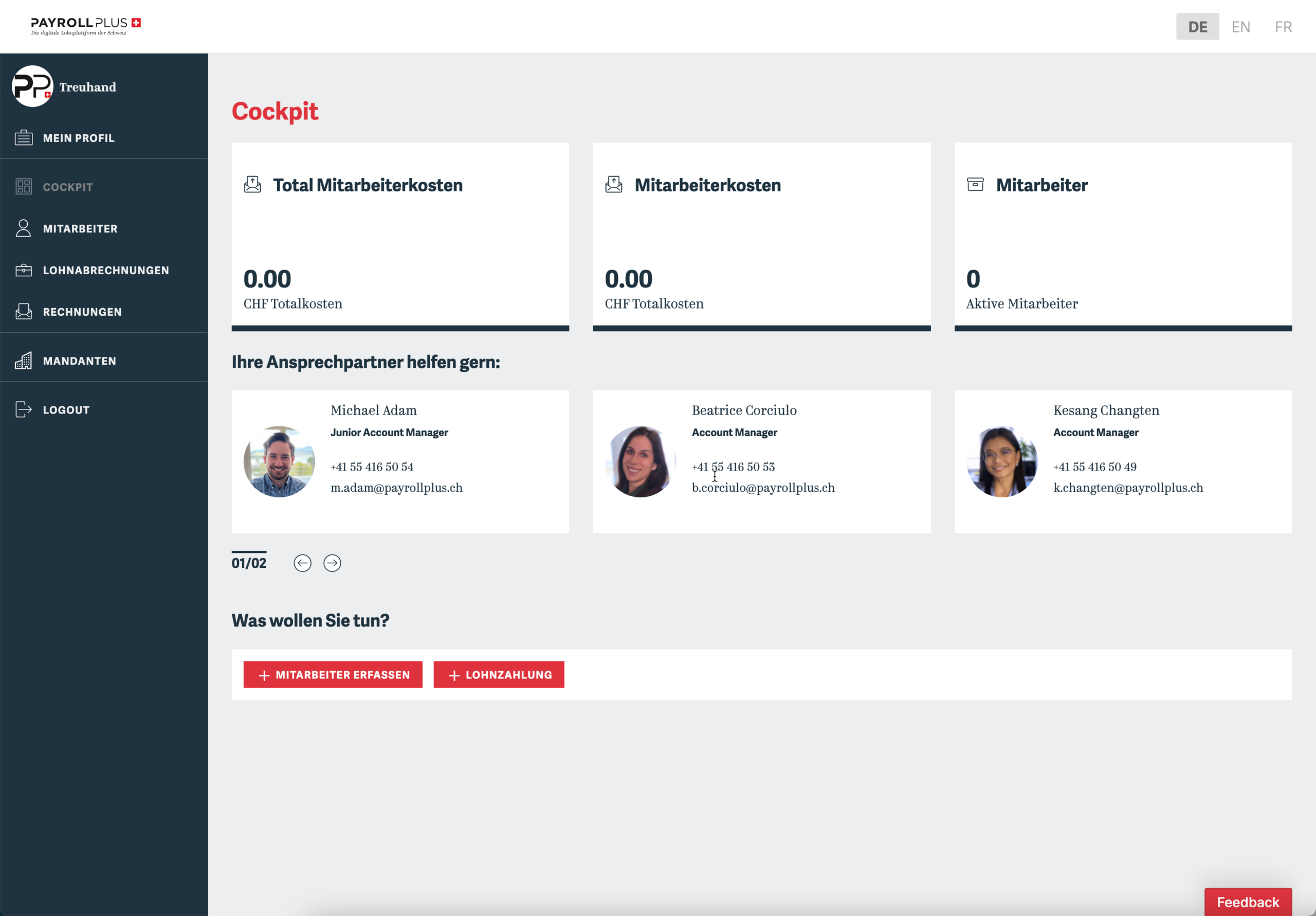
Overall Overview in the Cockpit
In the cockpit, you can see all the relevant information at a glance and navigate.
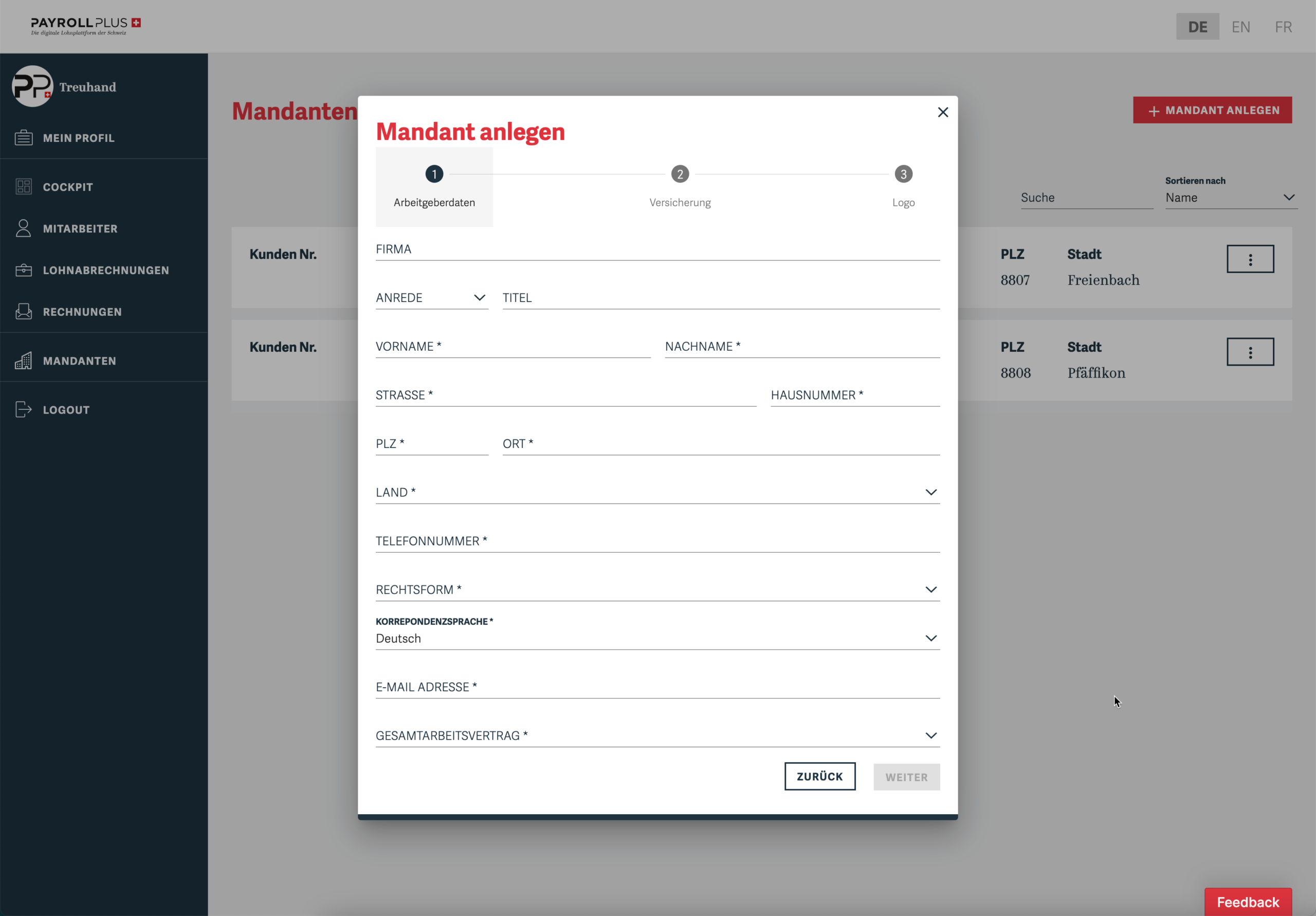
Enter your clients
Select the appropriate insurance policies and enter all the information about your clients.
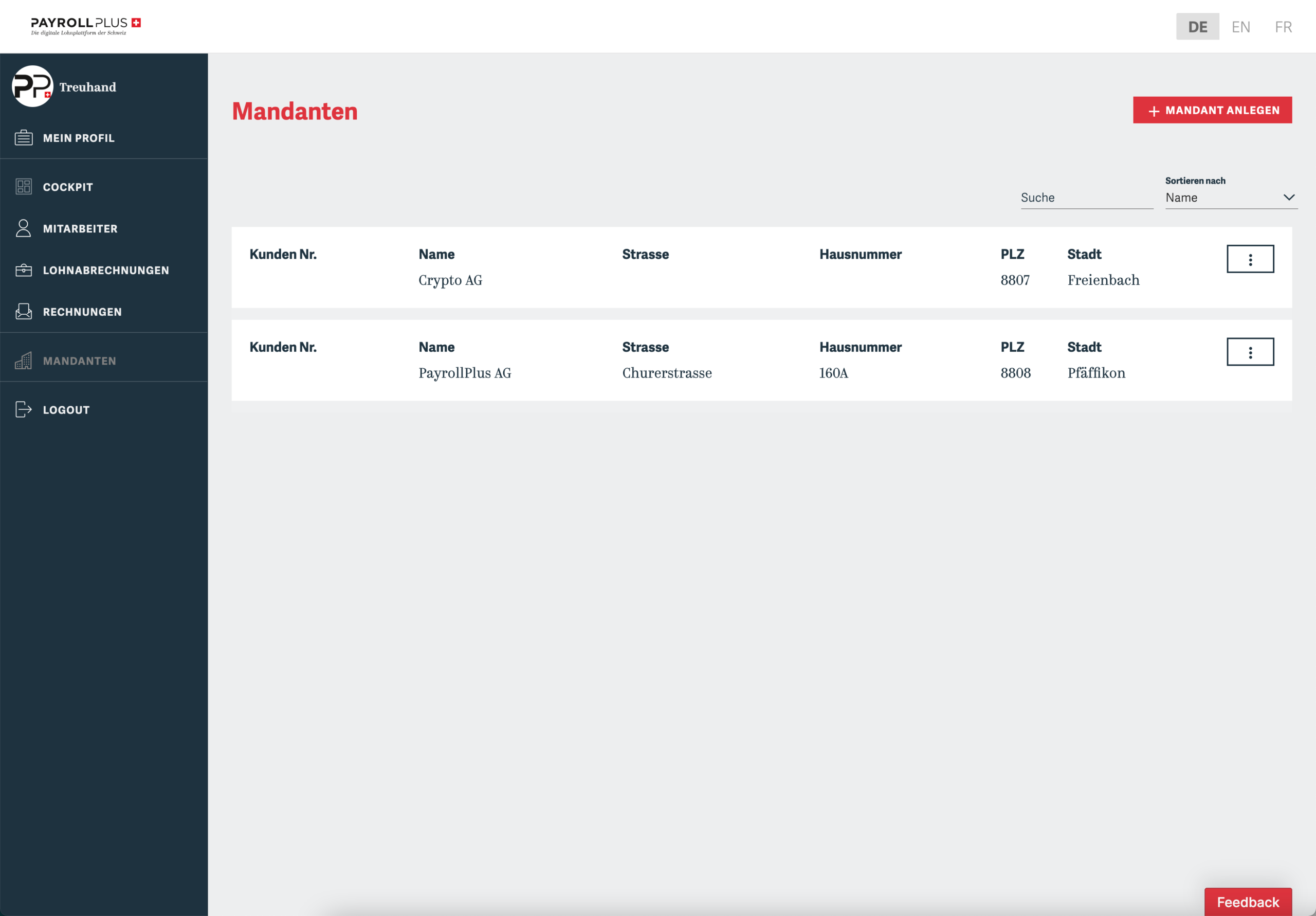
Clients at a Glance
View all your clients’ information at a glance (pay stubs, employees, invoices).
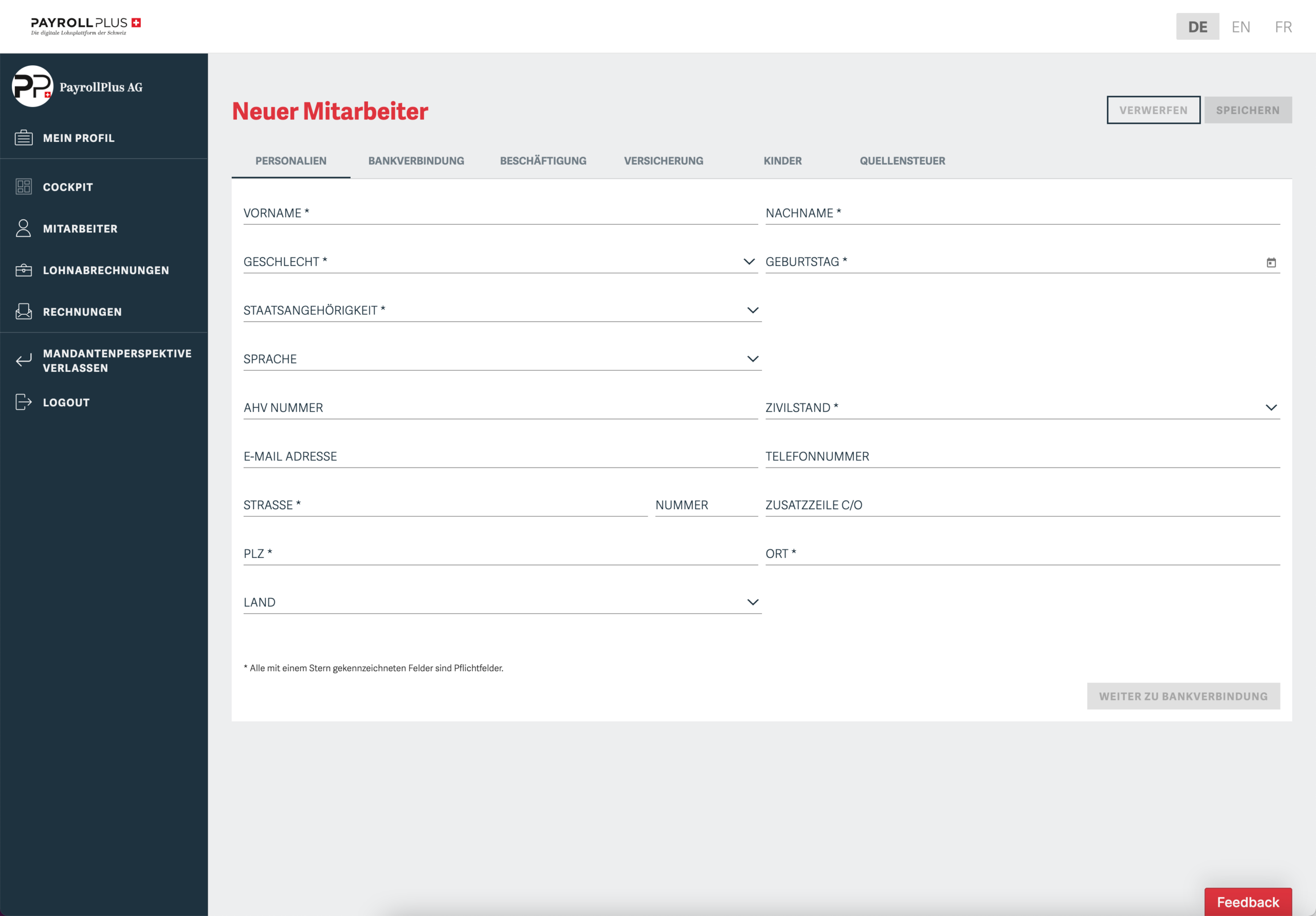
Record your clients' employees
Select the appropriate pay type and enter all employee data.
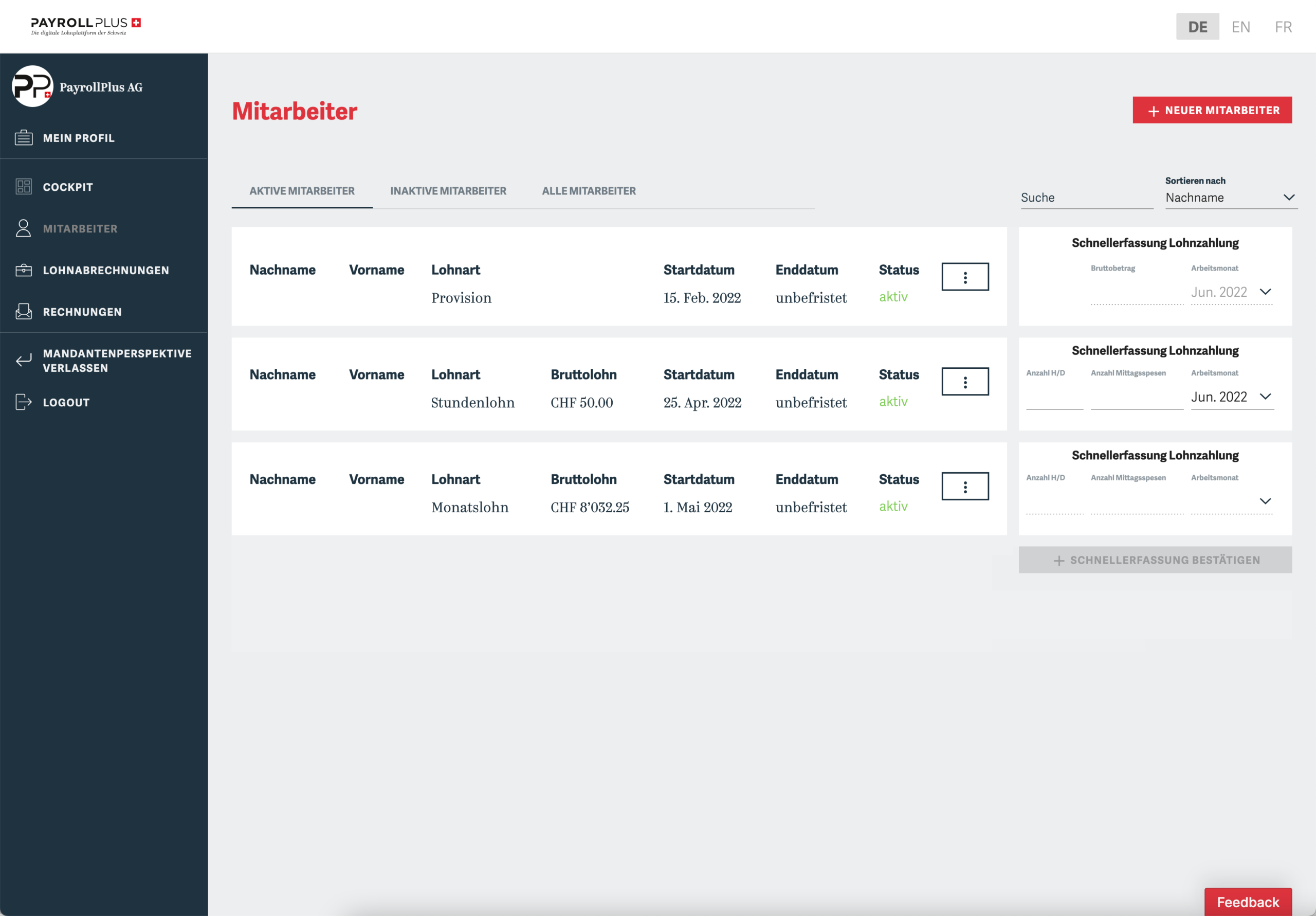
Manage your clients' employees
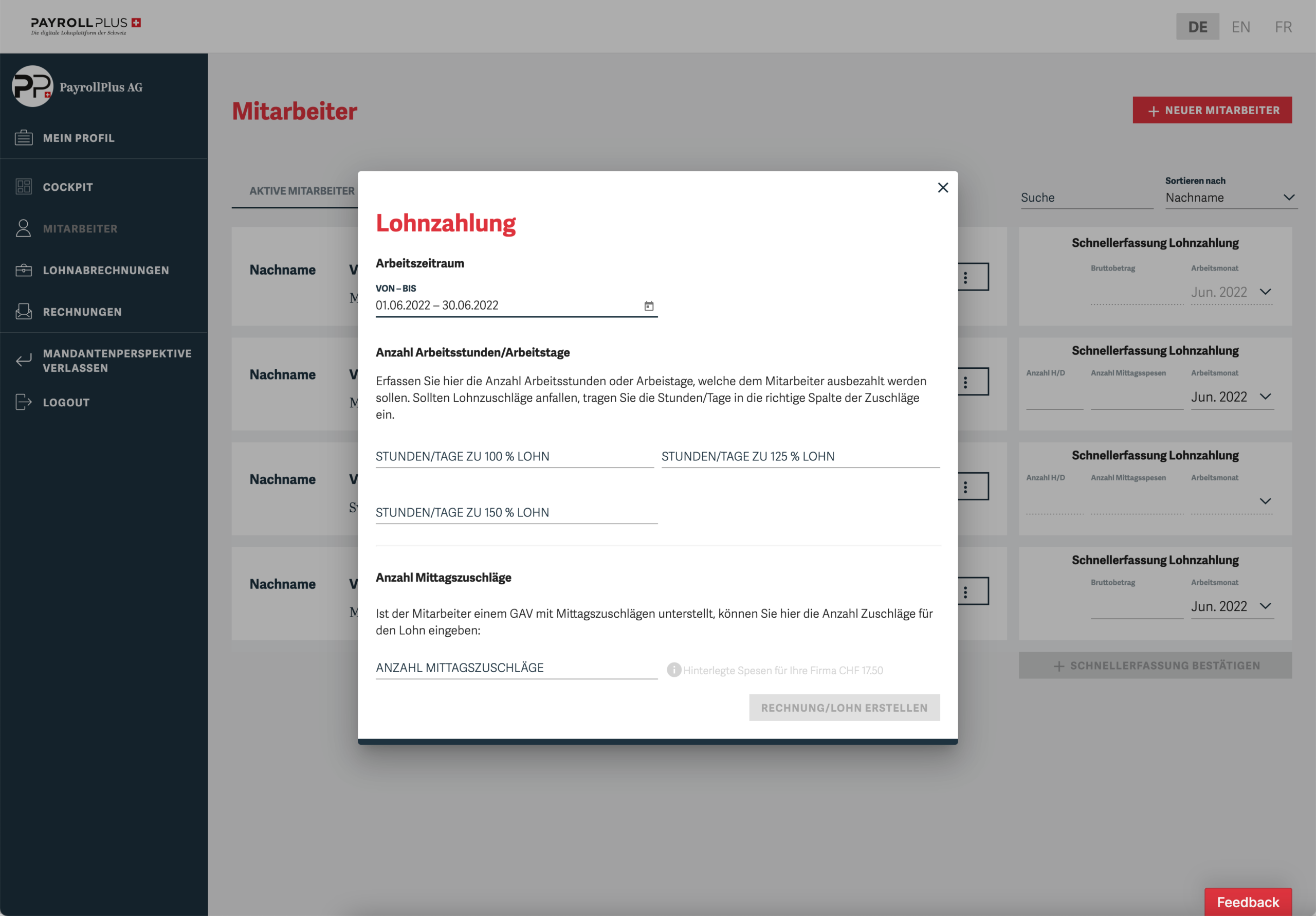
See at a glance which employees are active, under which employment model they are hired, or pay them using the quick function.
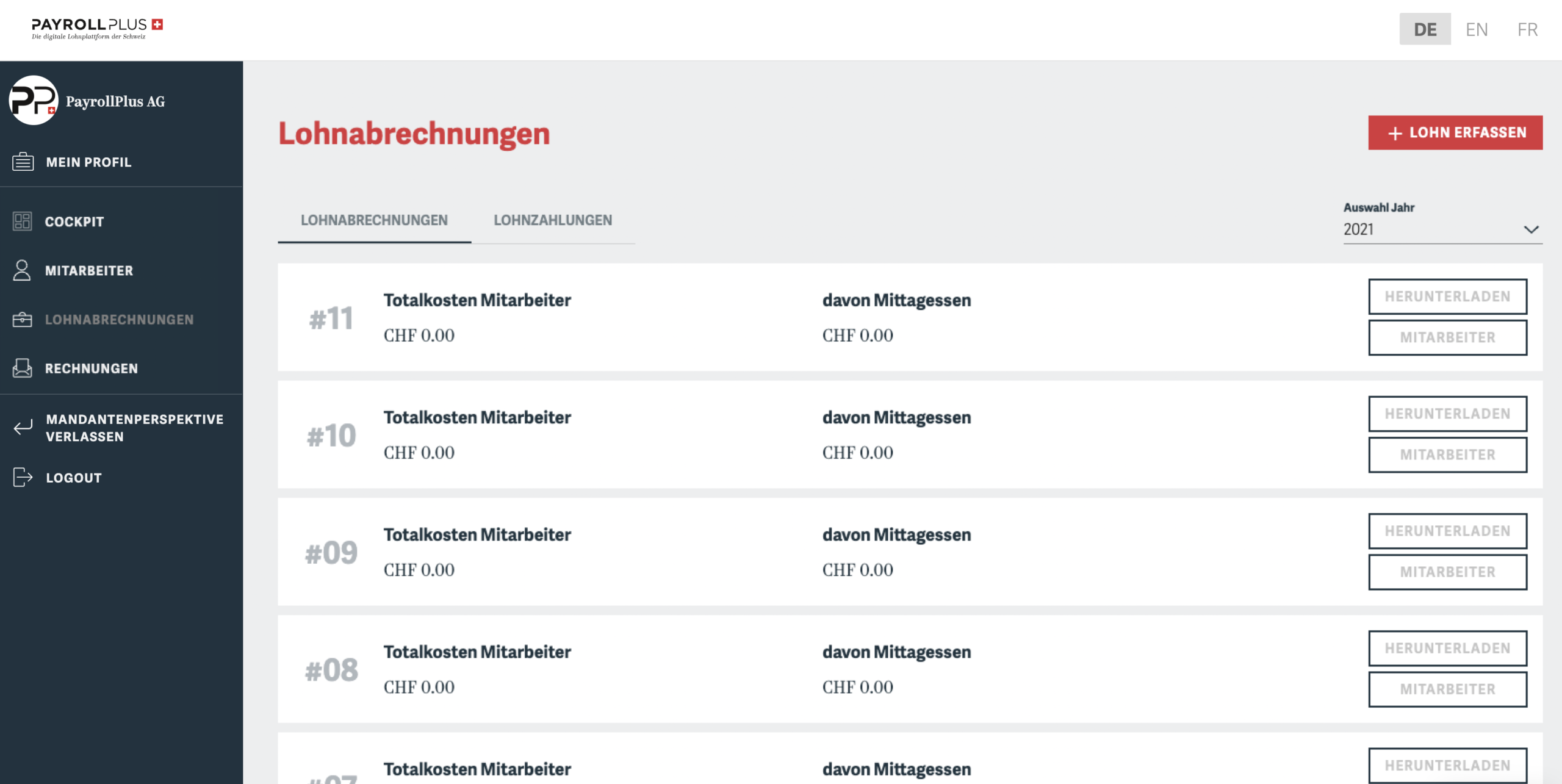
Manage Payroll Statements
After each payroll period, employees automatically receive their pay stubs via email. You can download them again here at any time.